Themes & accessibility
Light and dark themes, adjustable text, a font designed for easier reading, and an interface available in twelve languages, all so the app meets you where you are.
In your own words
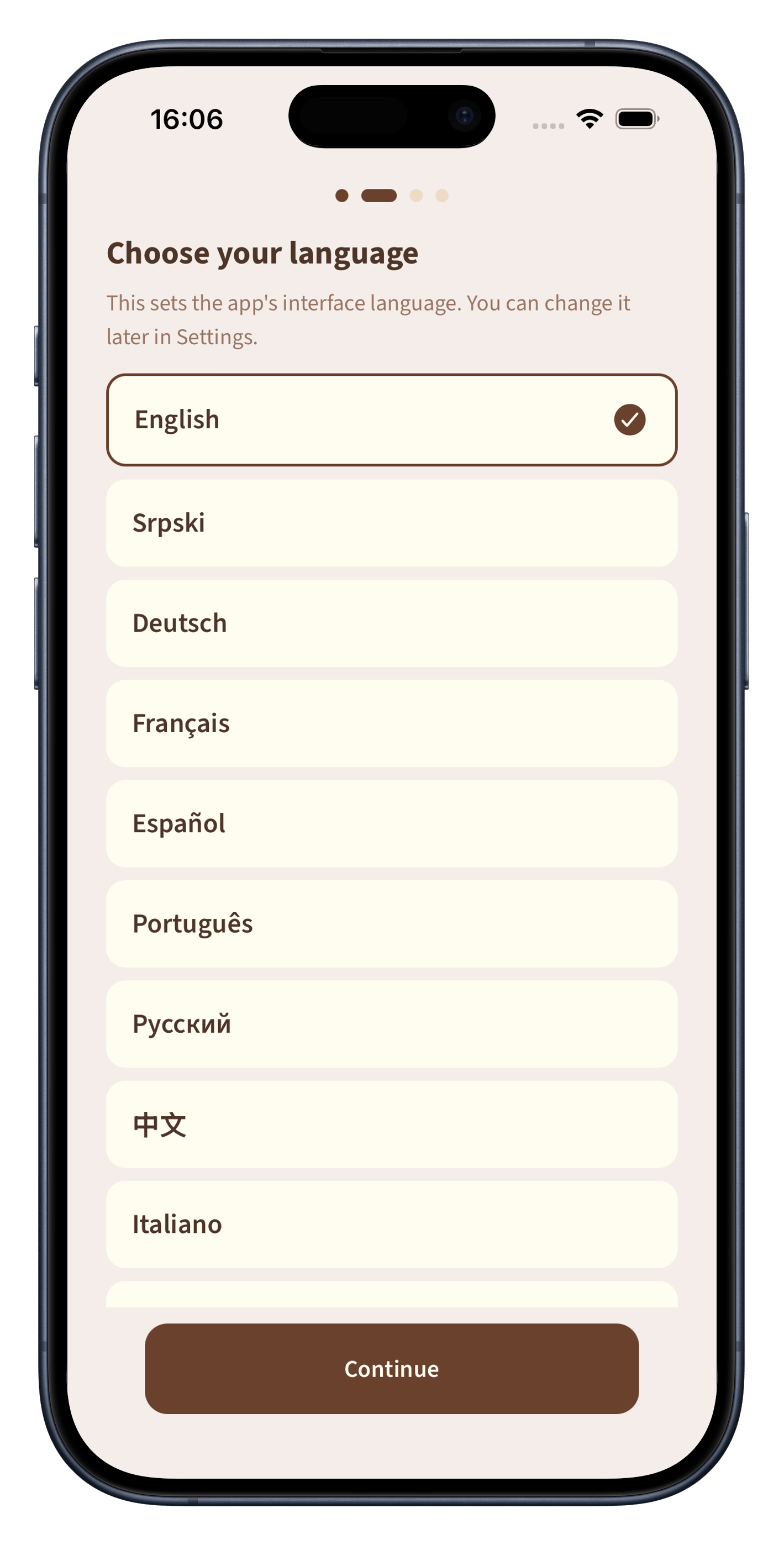
Set the interface to any of twelve languages, from English and Español to 中文 and Русский. It is the first thing the app asks, and you can change it any time in Settings.
Most apps offer a dark mode as an afterthought: a harsh grey-on-black inversion that is hard on the eyes. Biblelexical's themes were designed together from the start. Both use warm, earthy tones: cream paper and dark ink for light mode, deep warm charcoal with soft gold for dark mode. Neither uses pure white or pure black, because the human eye reads comfortably in neither.
Adjust the text size, from small (for fitting more on screen during study) to very large (for reading without glasses).
Biblelexical includes OpenDyslexic, a font designed to reduce letter confusion for readers with dyslexia. Each letter has a distinct shape, weighted differently at the bottom to reinforce reading direction.
The app's menus, settings, and navigation are available in twelve languages: English, Serbian, German, French, Spanish, Portuguese, Russian, Chinese, Italian, Korean, Croatian, and Turkish. You choose your language when you start, and you can change it any time in Settings.
Bible translations are a separate choice. You are not limited to reading the Bible in your interface language. You can set the menus to Spanish and read the King James Version, or set the menus to English and read the Serbian translation. The two are independent.
Turn on a daily reading reminder and choose the time that suits you. The notification is local, scheduled on your device with no server involved. You control it completely: turn it on or off, change the time, or let it be. It never sends data anywhere.
Designed for long reading
Every visual choice, from the paper-like background and serif typeface to the generous line height and warm colour palette, is meant to make you forget the screen and focus on the text.
A quiet place for the Word, your notes, and your study, however you need it. Free to download.