Offline Bible app
Read Scripture, study the original languages, and write your notes from anywhere: on a plane, in a basement church, or far from any signal. Everything you need lives on your phone.


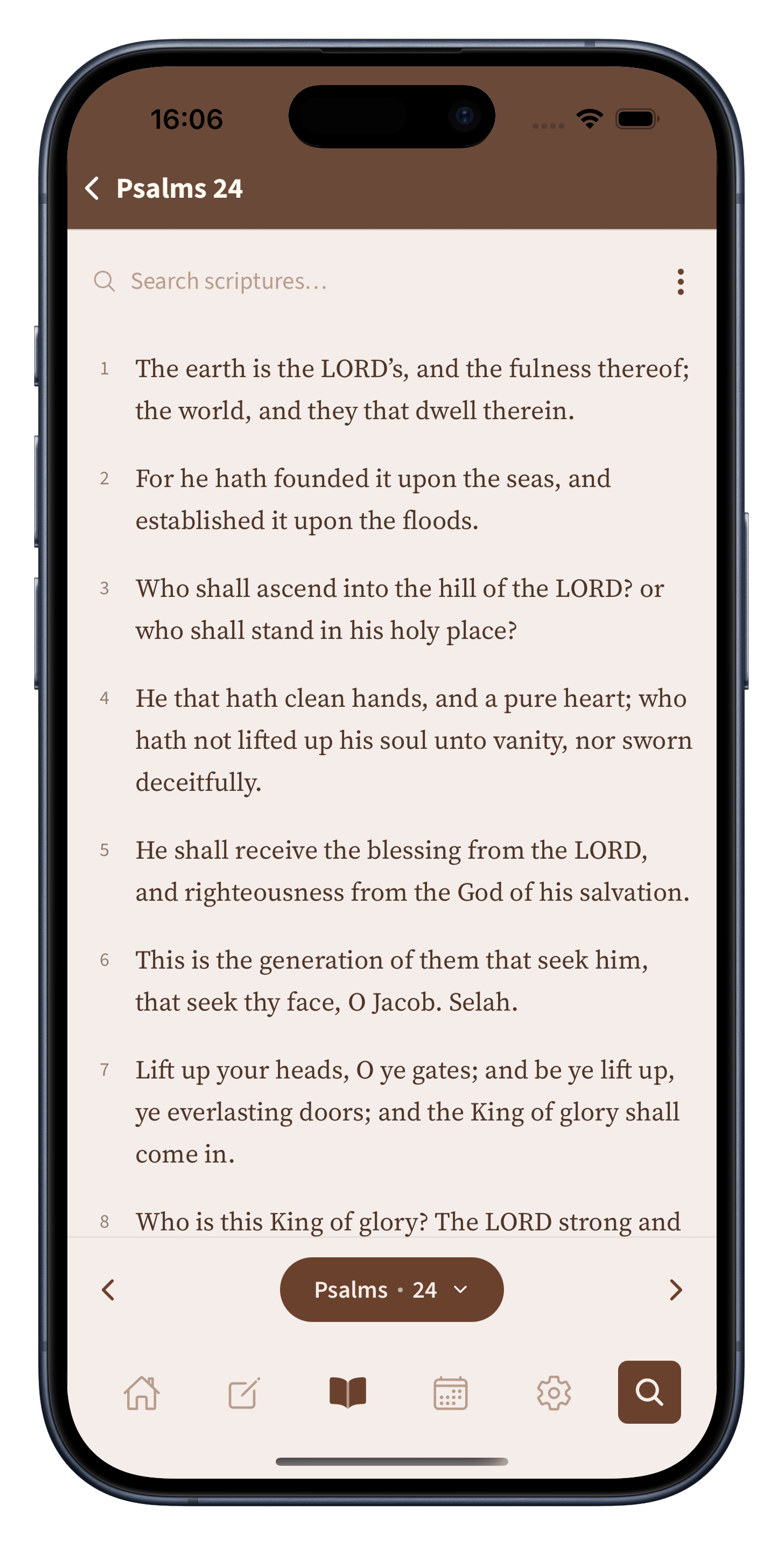
A clean, warm reading view with adjustable text size, light and dark themes, and a dyslexia-friendly font.
Original Hebrew and Greek, Strong's numbers, a full lexicon, cross-references, and trusted commentaries.
Notes and sermons with Scripture built in: insert a verse with a tap and keep everything in one place.
In airplane mode
No spinner, no sign in, no page to wait for. The whole Bible and your study tools live on your phone, so reading is instant whether you have full signal or none at all.
Add more, once
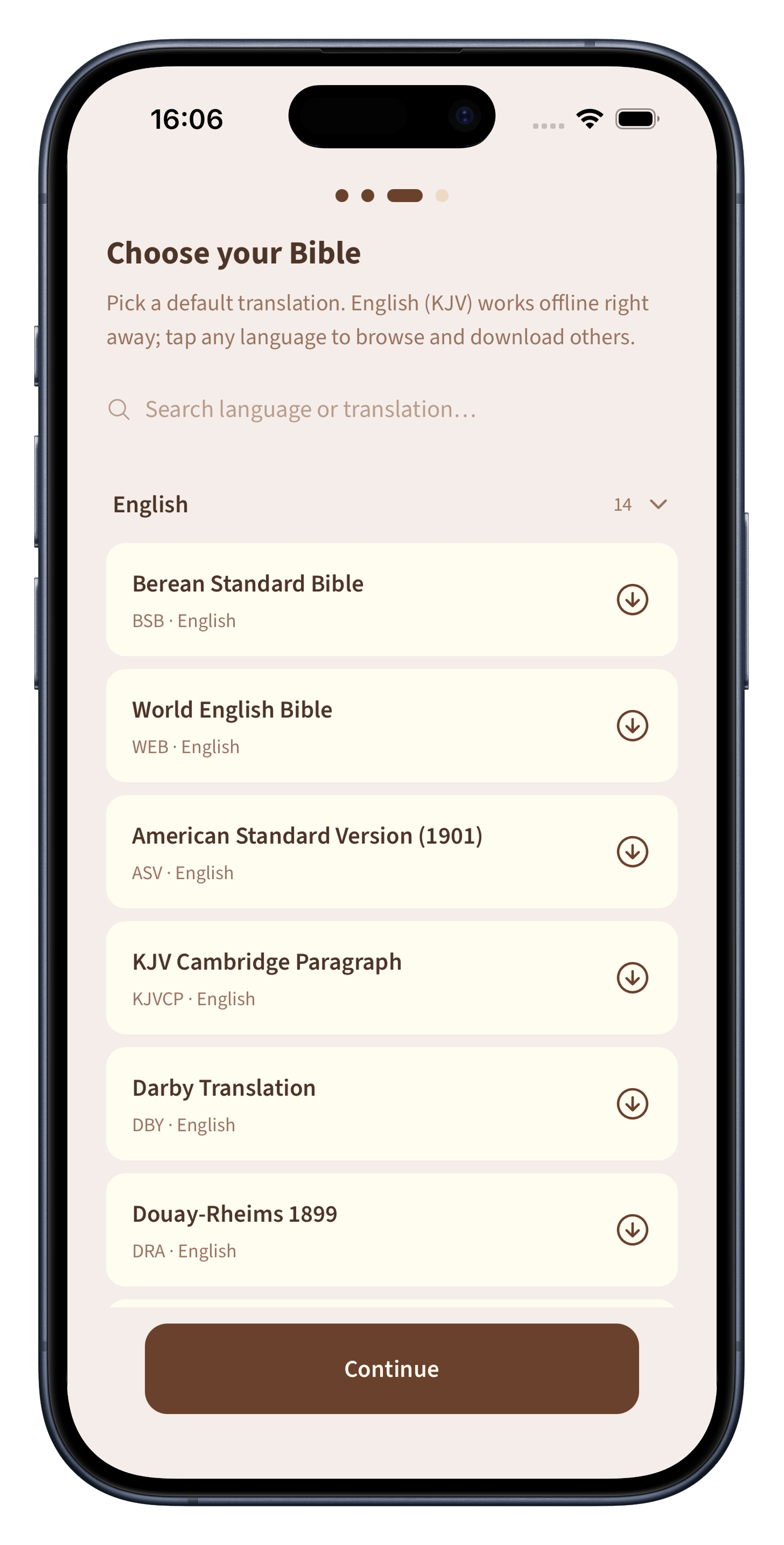
English is ready the moment you install the app. When you want another translation or language, you download it one time over a connection. After that it is yours, offline, for good.
Most Bible apps assume you are online, signed in, and happy to be tracked. But Scripture is often read in the quietest places: a hospital room with no reception, a flight, a campsite. An offline Bible app meets you in all of them. Biblelexical keeps the entire Bible, your study tools, and your writing on your device, so the text is always there the moment you open it: instantly, with nothing to load.
Once the app is installed, all of this works with your phone in airplane mode:
The app ships with the standard King James version and the core study data already inside it, so it works the moment you install it. The only time you need a connection is when you choose to add more (extra translations in other languages, or commentary from teachers like John Wesley, Matthew Henry, John Gill, and John Calvin). You download those once, and from then on, they are yours, offline, forever.
Private by design
Offline is not only about convenience, it is also about privacy. Because your reading and notes never leave your device, there is no server quietly logging what you study. Nothing is uploaded, and there is no account to create.
Questions
Yes. After install, reading, search, word study, your notes, highlights, and reading plans all work completely offline. A connection is only needed if you choose to download an extra translation or commentary.
Yes. It's free, with no ads and no subscription. There is nothing to unlock with a payment.
No. There is no sign up and no login. You open the app and start reading, and your notes stay on your device.
A quiet place for the Word, your notes, and your study. Ad-free, with no catch attached.