Biblelexical is an offline app for reading Scripture, studying the original languages, and writing your notes and sermons.
Offline
No account
No ads Free
Free


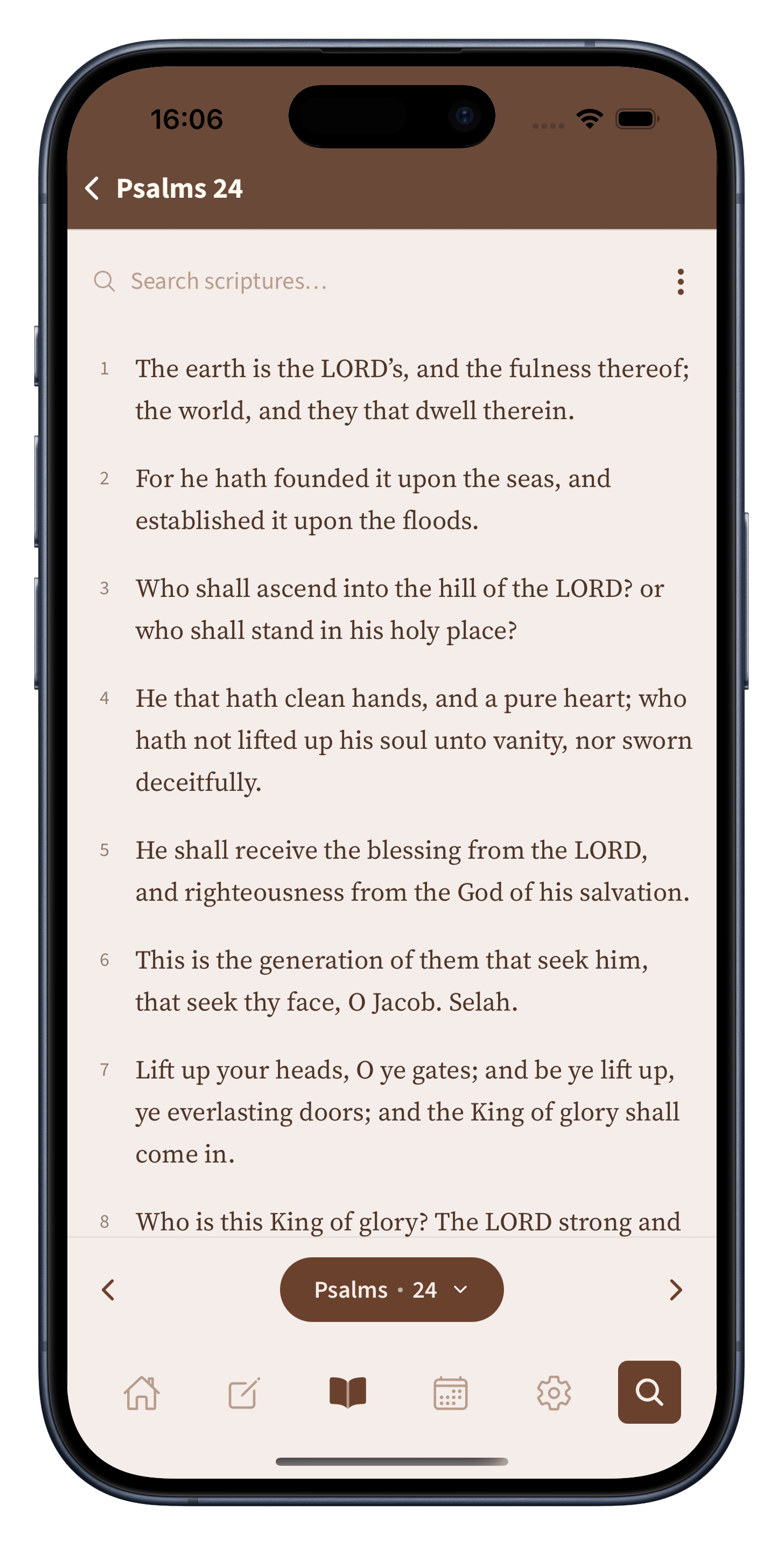
Features
Open any book, chapter, and verse and start reading. The text is there at once, with nothing to load and nothing in the way.
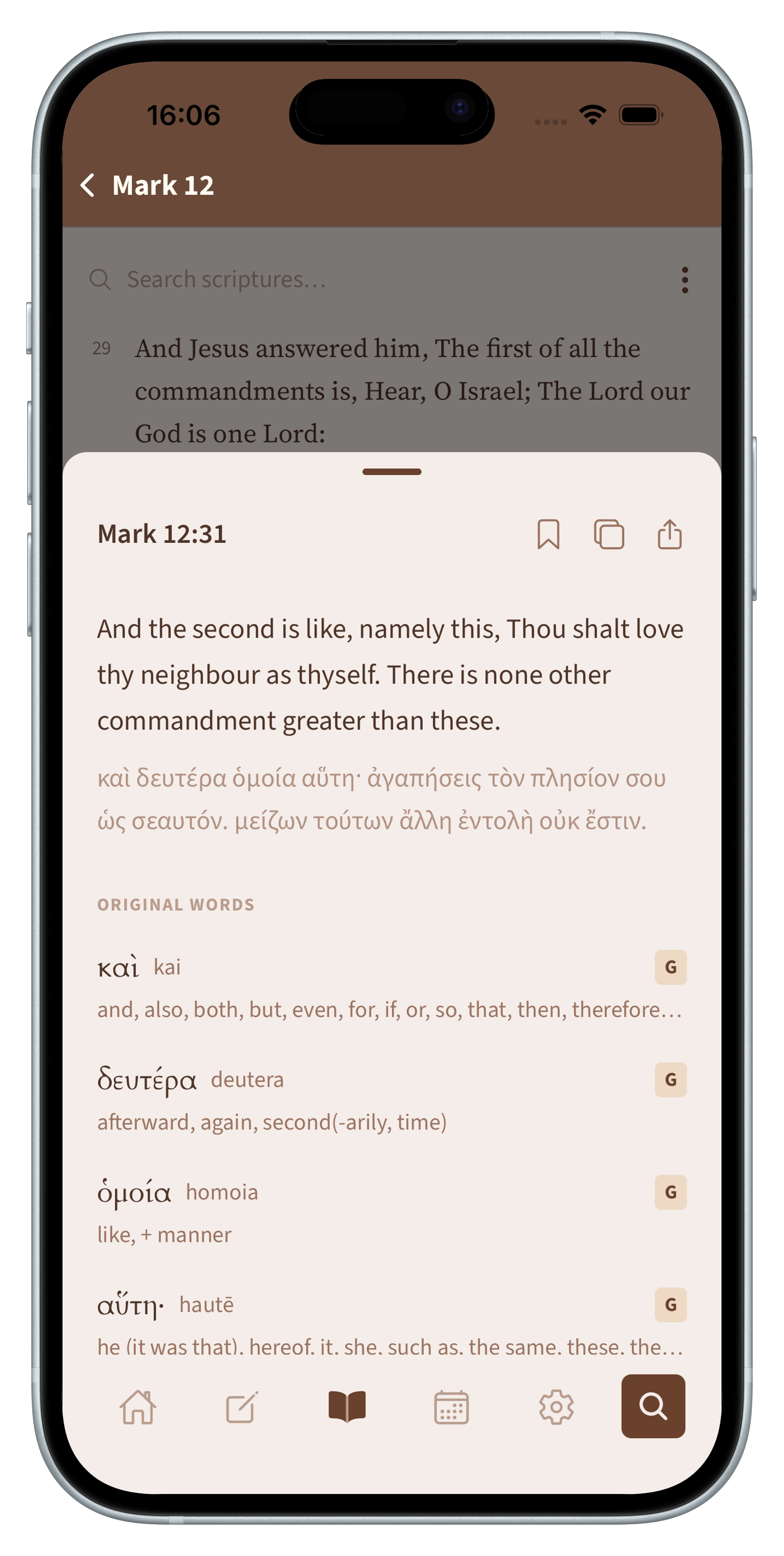
Tap any word to open it's Hebrew or Greek word, a transliteration you can say aloud, its Strong's number, and a full lexicon meaning.
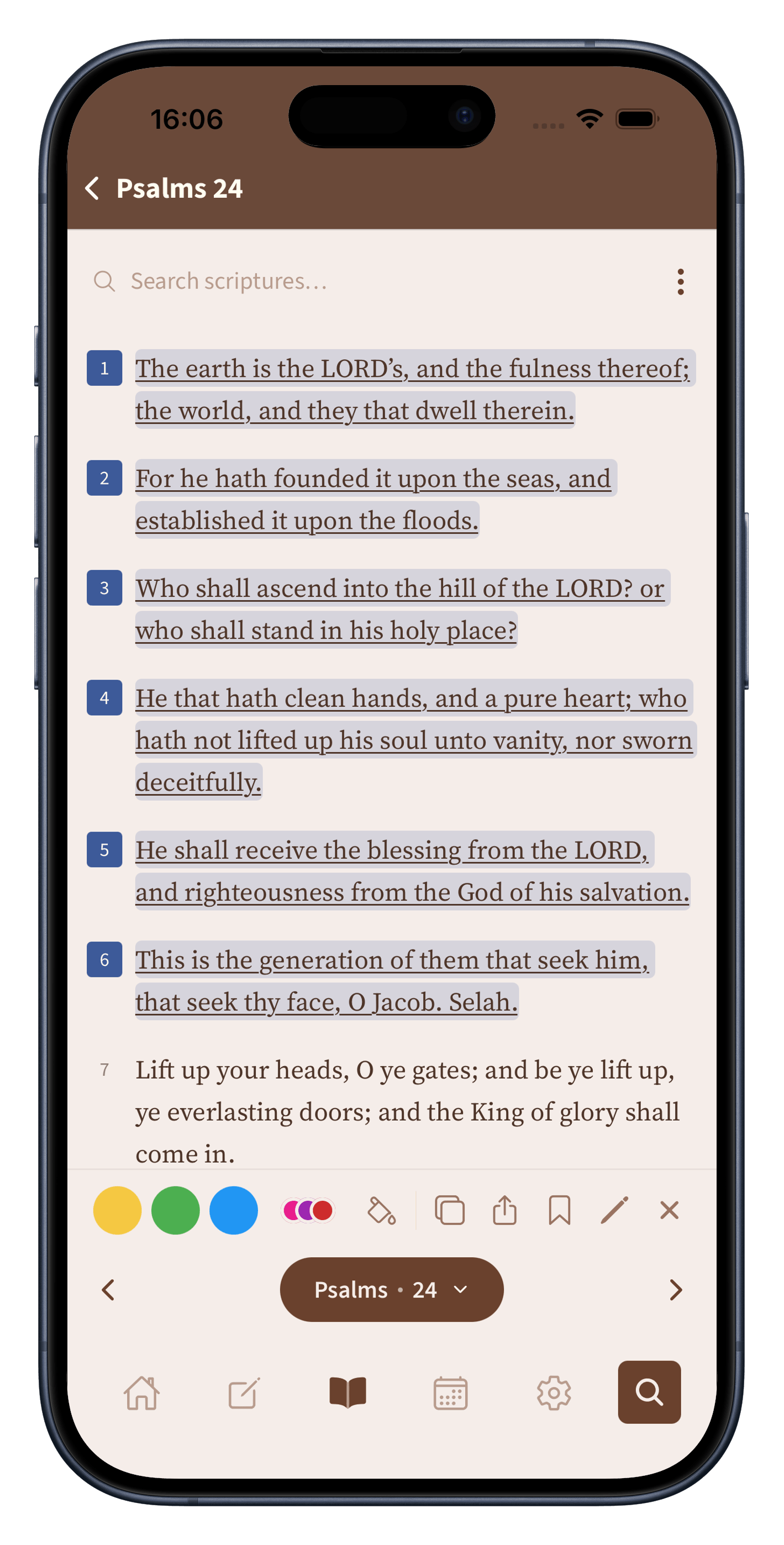
Highlight verses in a palette of eleven colors, write notes for verses, and bookmark what you want to find again.
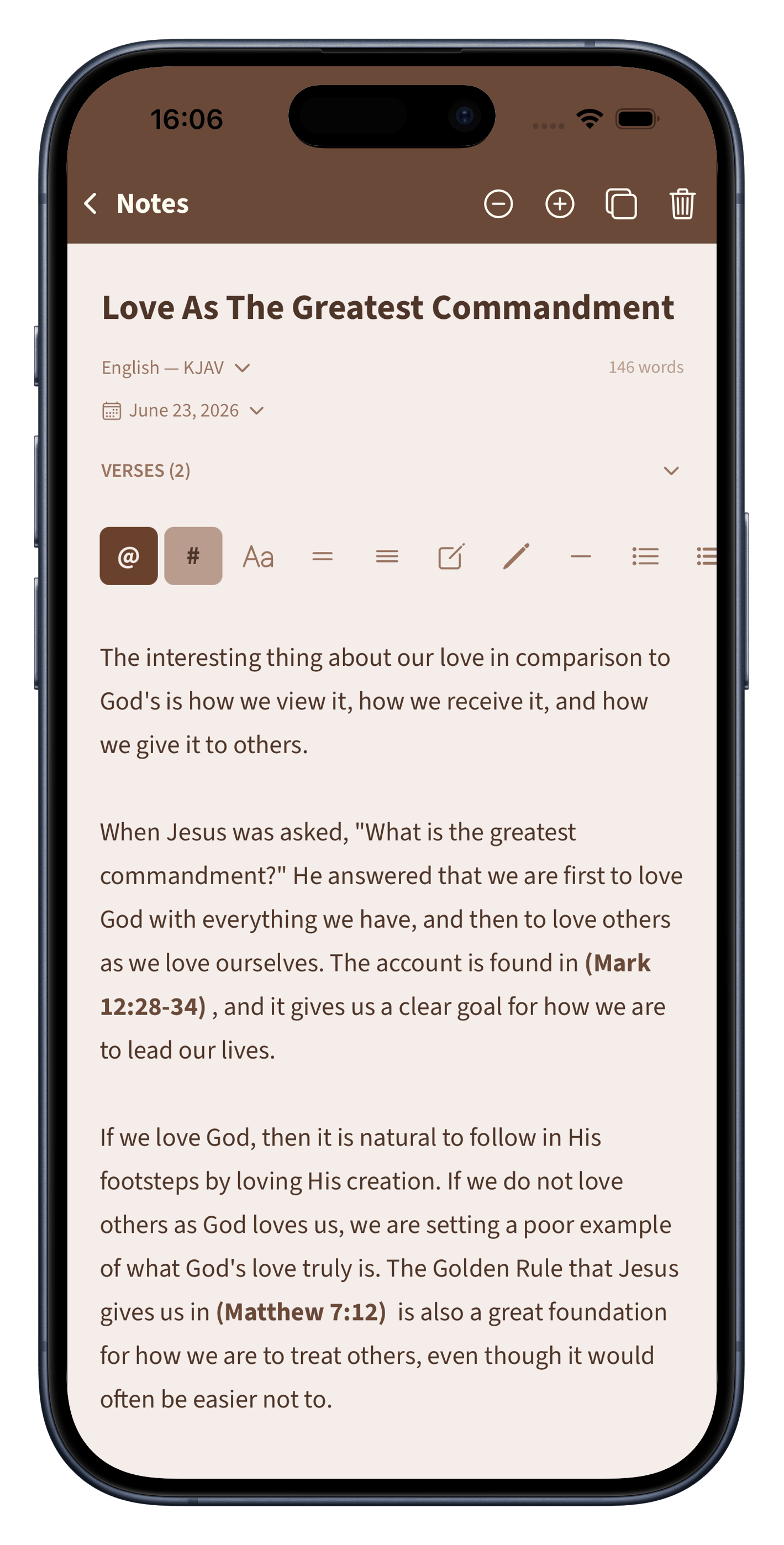
Write in a clean editor and drop any verse straight into your text with a tap. Why use a separate note-taking app when Biblelexical already offers you one built in!
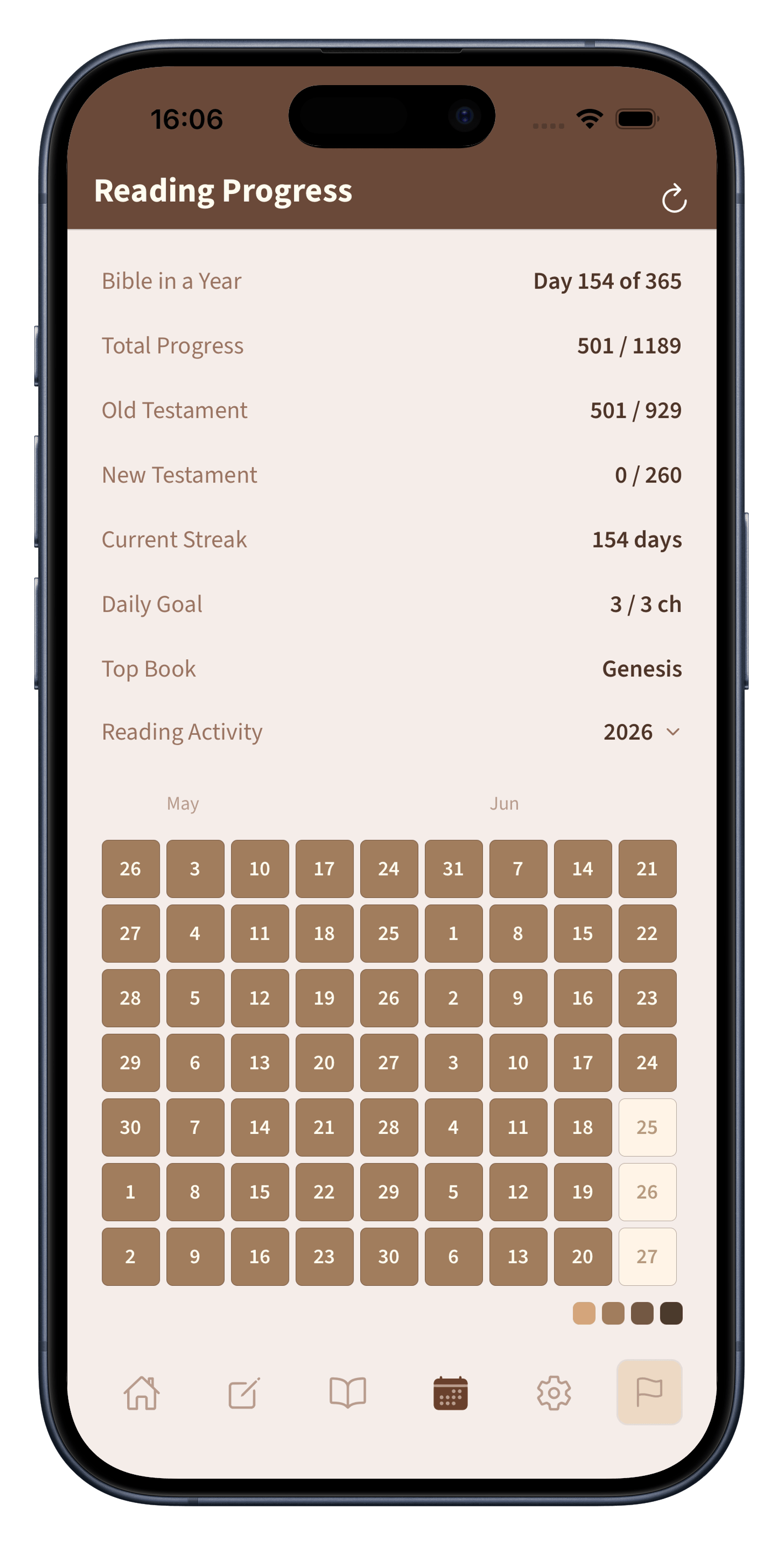
Follow a reading plan, keep track of your streak, and watch the calendar, keep track of your progress. It's for encouragement not unnecessary pressure.
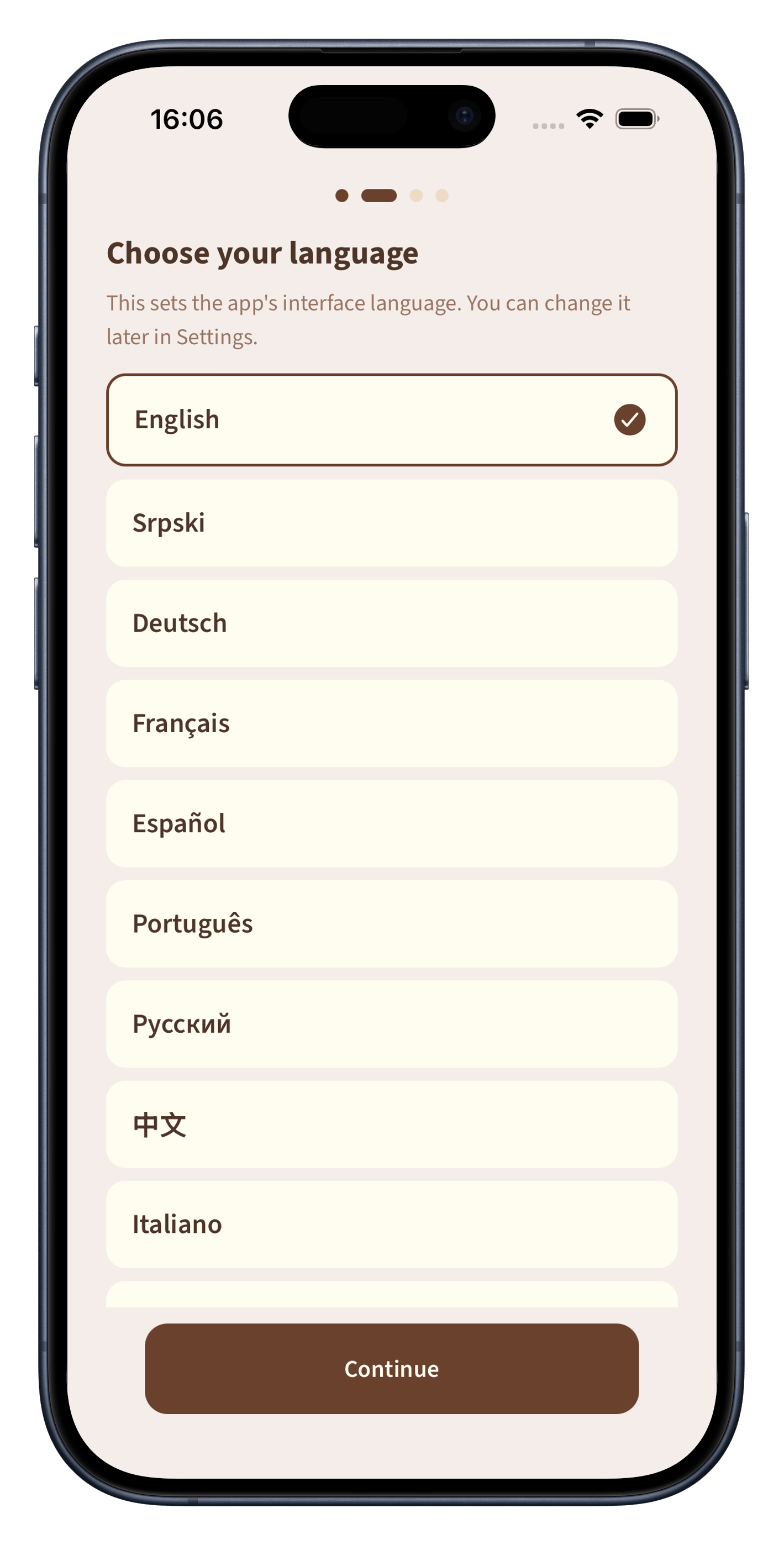
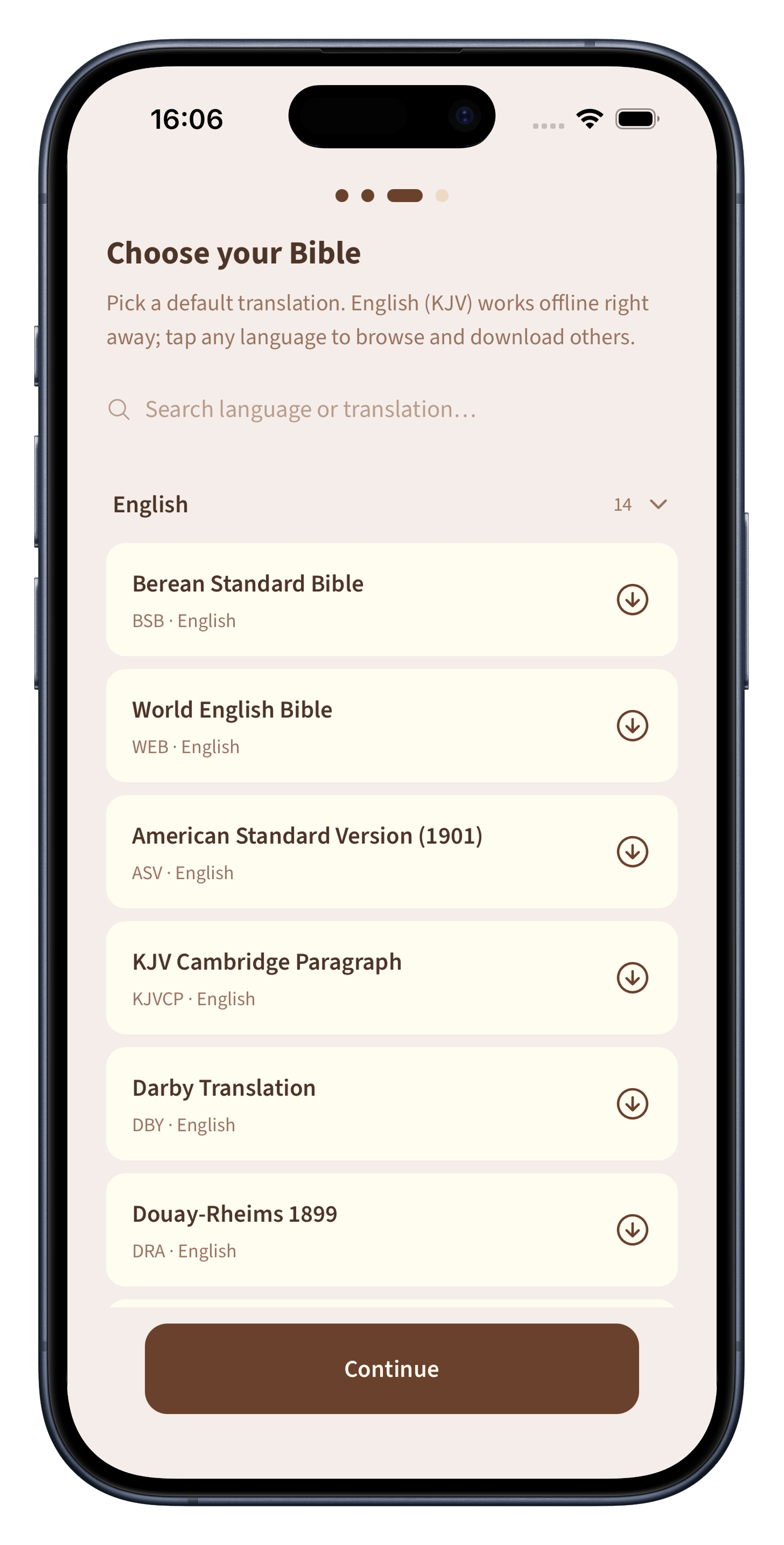
Read the app in any of our twelve offered languages, choose from a growing library of translations, and add commentary from teachers across the centuries.
How it works
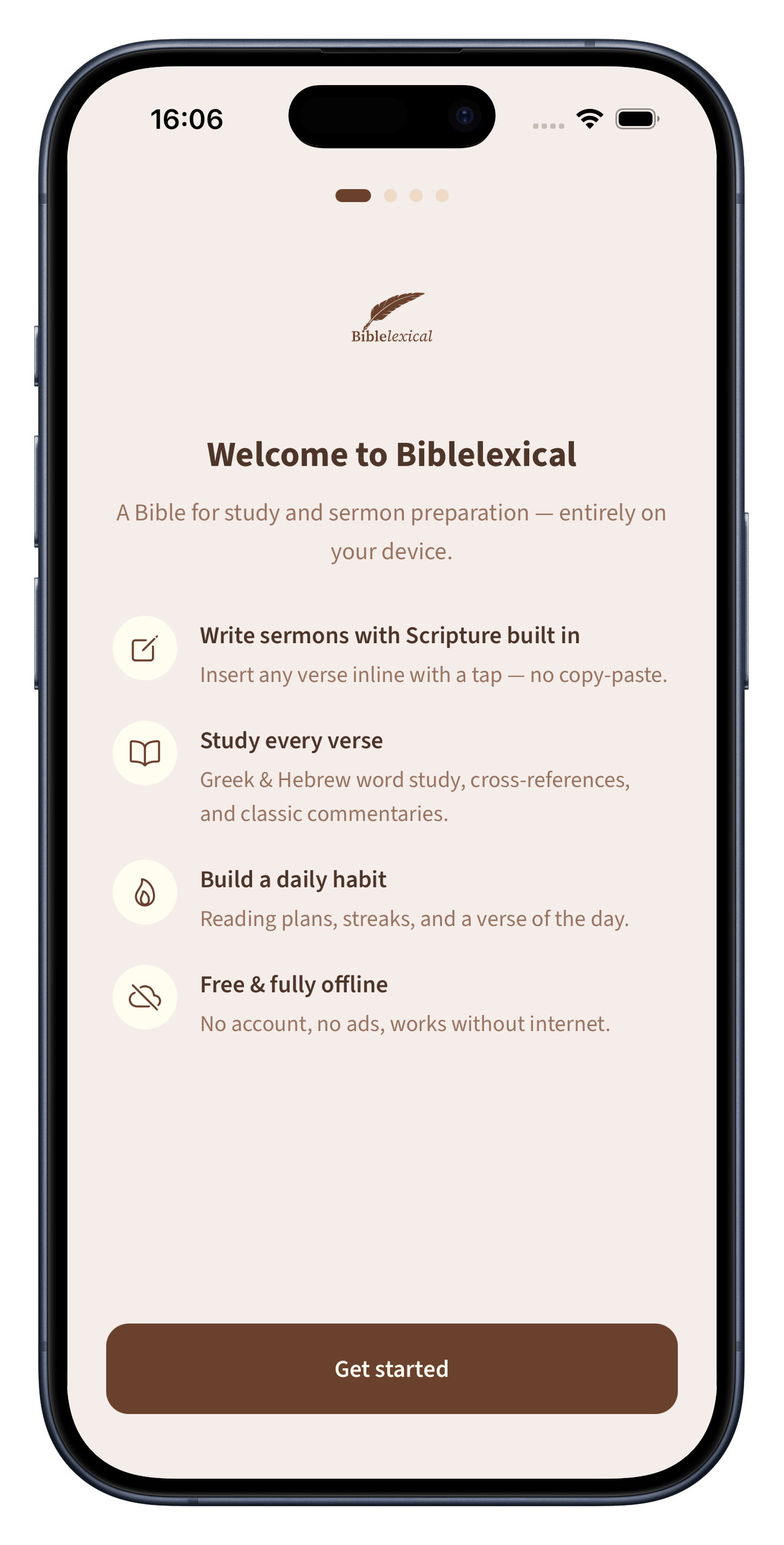
There is no account and no sign in. The app works offline from the very first second you open it.
The English King James Translation is ready right away. Pick your preferred app language and add any translation or commentary you like.
Tap a word to view the original translations, drop verses into your notes, and let the app keep your reading on pace.
Privacy first
Your notes, highlights, and reading history live on your phone. There is no account to create and nothing to log in to. No online database keeps your private and honest thoughts. If you ever switch phones, you can move your notes across yourself with a simple backup. The app is free, with no ads and no subscription.
A library that grows with you
Start with what comes in the app and add more as you go. Download extra translations in different languages, and add commentary from teachers like John Wesley, Matthew Henry, John Gill, and John Calvin. Everything you add stays on your phone and works offline too.
EnglishSrpskiDeutschEspañolFrançaisItalianoPortuguêsРусский中文한국어TürkçeHrvatski
Twelve languages today, and growing.
Questions
No. After you install it, the app works completely offline. You only need a connection if you choose to download extra translations or commentaries.
No. There is no sign up and no login. You just open the app and start.
Yes. There are no ads and no subscription.
Yes. Everything you write stays on your phone, and nothing is uploaded.
Yes. Tap any word to see its original language, pronunciation, Strong's number, and dictionary meaning. It is built in and free.
You can export a backup of your notes and bring it across yourself. Your data is yours to move.

A quiet place for the Word, your notes, and your study. Free to download